
Microsoft Solutions partner in India
WinLicense provides genuine Microsoft licensing solutions for businesses, IT teams, and enterprises in India. As a local Microsoft reseller, WinLicense helps organizations choose and obtain the right licenses for their operating systems, servers, and database environments, with flexible monthly and yearly licensing options.
The microsoft solutions available through WinLicense include Windows Server licenses, Windows 11 licenses, SQL Server licenses, Remote Desktop Services, and Client Access Licenses. These solutions are designed to support business workstations, server infrastructure, enterprise applications, remote access, and database workloads. WinLicense also provides licensing guidance, transparent pricing, GST-ready invoices, quick activation, and local support to help businesses manage their Microsoft software requirements effectively.
What Are Microsoft Solutions?
Microsoft solutions are software products and licensing options that help businesses manage their computers, servers, databases, and IT environments. Depending on the organization’s requirements, these solutions can cover desktop operating systems, server infrastructure, database management, remote access, and user or device licensing.
WinLicense provides microsoft solutions for businesses through genuine Microsoft licenses, including Windows Server, Windows 11, SQL Server, Remote Desktop Services, and Client Access Licenses. The website offers flexible monthly and yearly licensing models, along with transparent pricing, quick activation, GST-ready invoices, and local licensing support for Indian businesses.
Microsoft Solutions and Licensing for Businesses in India
For businesses in India, choosing the right Microsoft license is important for maintaining compliant, secure, and reliable IT infrastructure. WinLicense provides microsoft solutions for organizations that need genuine software licenses for workstations, servers, databases, and remote access environments. Its product range includes Windows Server, Windows 11, SQL Server, Remote Desktop Services, and Client Access Licenses.
WinLicense offers flexible licensing models, including monthly and yearly options, allowing businesses to select a licensing approach based on their infrastructure and budget. The company also provides volume licensing options for organizations managing multiple users or devices. Businesses can purchase genuine Microsoft licenses with transparent pricing, GST-ready invoicing, quick digital delivery, and licensing assistance. This makes it easier for IT teams to manage Microsoft software procurement while selecting licenses that match their operational requirements.
Why Businesses Need Genuine Microsoft Licensing
Using genuine software gives organizations greater control over their technology environment and reduces the risks associated with unauthorized or incorrectly licensed products.
A properly licensed environment can help businesses:
Maintain software compliance and organized licensing records
Reduce the risks associated with unauthorized software
Deploy supported Microsoft products with greater confidence
Plan software expenditure more accurately
Select licensing based on users, devices, servers, or workloads
Simplify future upgrades and infrastructure planning
Receive appropriate guidance when licensing requirements change
For organizations with multiple employees, servers, or locations, licensing decisions can become complicated. Working with a knowledgeable Microsoft solutions partner can make the process easier by matching products to the organization's actual requirements.
Microsoft Products and Solutions We Provide
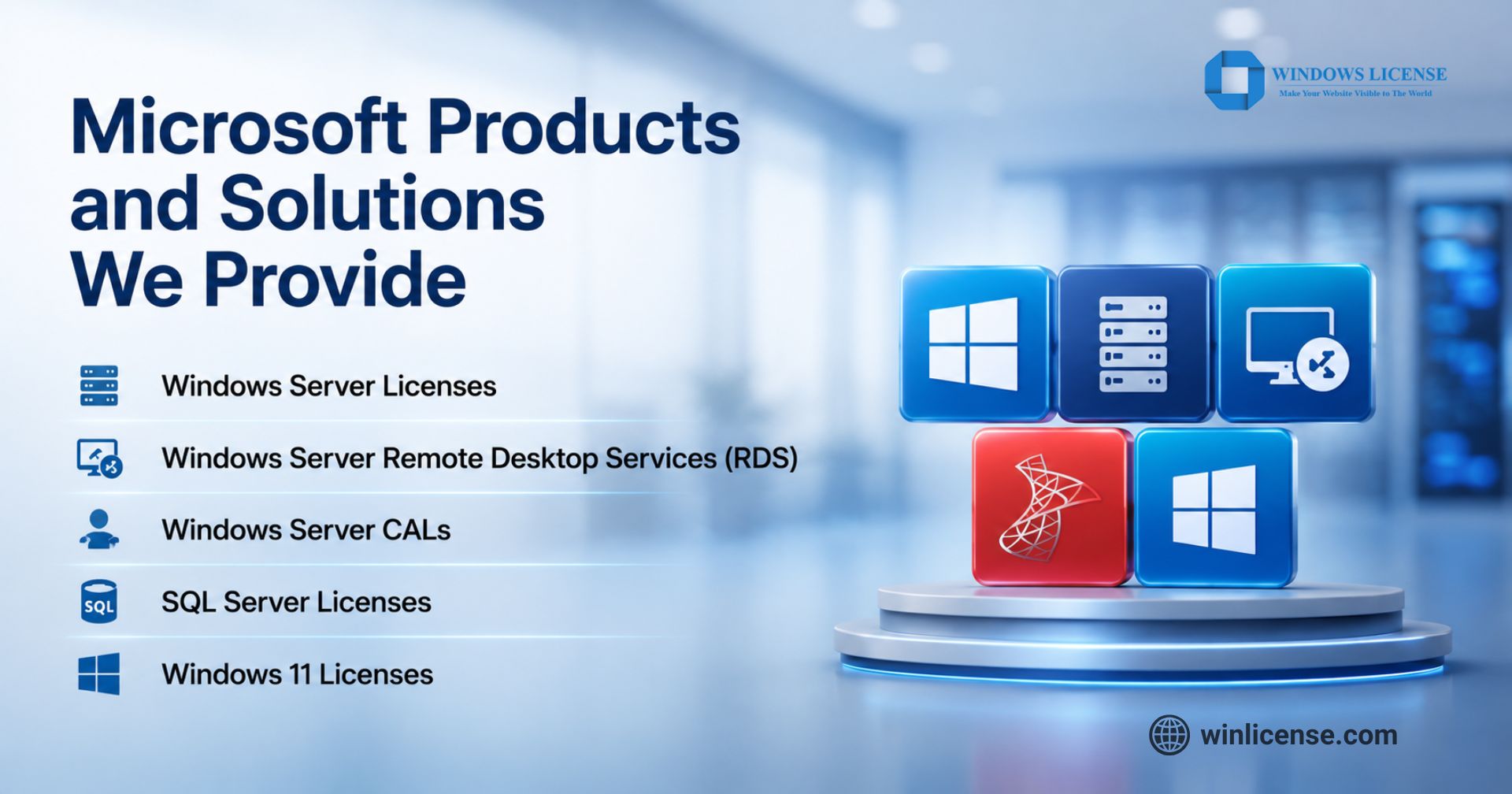
WinLicense offers genuine Microsoft licensing products for businesses, IT teams, and enterprises that need reliable software for their workstations, servers, databases, and remote access environments. The available microsoft solutions are organized around key licensing requirements, with monthly and yearly licensing options depending on the product.
Windows Server Licenses – Windows Server 2019, 2022, and 2025 Standard and Datacenter licenses, available in 2-core licensing options.
Windows Server Remote Desktop Services (RDS) – RDS licenses for Windows Server 2019, 2022, and 2025 to support remote access requirements.
Windows Server CALs – Remote Desktop Services User CAL and Device CAL options for licensing users or devices accessing remote server environments.
SQL Server Licenses – SQL Server 2022 Standard and Enterprise licensing for business database workloads.
Windows 11 Licenses – Windows 11 Pro for Business and other Windows licensing options listed by WinLicense.
These products cover core Microsoft licensing requirements, from business workstations and server infrastructure to databases and remote desktop access. WinLicense also provides flexible licensing models, transparent pricing, GST-ready invoices, and quick license activation for Indian businesses.
Microsoft Products Available Through Winlicense
1. Windows Licenses
Windows provides the operating system foundation for business computers and workstations. Organizations can choose an appropriate edition according to their security, management, productivity, and deployment requirements.
For businesses managing multiple systems, selecting the right Windows edition is important because features, management capabilities, and licensing requirements can differ between versions.
2. Windows Server
Windows Server is designed to support server-based workloads, applications, networking, virtualization, file services, and other enterprise infrastructure requirements.
Winlicense provides Windows Server licensing options, including Windows Server 2025 editions. The current product range highlights Windows Server 2025 Datacenter for enterprise virtualization and high performance workloads.
3. SQL Server
Microsoft SQL Server provides database capabilities for applications that depend on structured, reliable, and scalable data management. Why Microsoft SQL Server Is the Best Database Solution for Businesses comes down to its ability to support business critical applications, manage large volumes of structured data, and provide a dependable platform for reporting and data driven operations.
Winlicense offers SQL Server 2022 Standard and Enterprise licensing options. The right edition depends on the application's technical requirements, database workload, scalability expectations, and organizational environment. Choosing the correct SQL Server license is important because database licensing involves technical and operational considerations beyond simply selecting a software edition.
4. Remote Desktop Services
Remote Desktop Services enables users to access applications and desktops remotely through supported Microsoft infrastructure. It can be useful for organizations with distributed teams, centralized applications, remote employees, or shared business systems.
Businesses should assess their user and device requirements before purchasing Remote Desktop Services licenses. Correct planning helps ensure that remote access is properly licensed and aligned with the organization's infrastructure.
5. Client Access Licenses
Client Access Licenses, commonly known as CALs, provide access rights for users or devices connecting to certain Microsoft server products.
The choice between user based and device based licensing depends on how employees and systems access the server environment. A business where several employees share a workstation may have different requirements from an organization where individual employees use dedicated devices.
Microsoft Products Comparison
Microsoft Product | Best For | Typical Use |
Windows Licenses | Business computers | Desktop and productivity |
Windows Server | Server infrastructure | Networking, applications, and file management |
SQL Server | Database management | Business applications and data storage |
Remote Desktop Services | Remote users | Remote desktop and application access |
Client Access Licenses | Server users/devices | Accessing Microsoft server services |
Microsoft Licensing: User vs Device
Microsoft licensing can be based on users or devices, depending on the product and licensing model.
Licensing Type | Best For | Typical Use |
User License | Employees using multiple devices | One user accessing Microsoft services from a laptop, desktop, or other supported devices |
Device License | Shared or dedicated devices | Multiple users accessing Microsoft software from the same licensed computer or device |
User licensing is generally more suitable when employees use multiple devices, while device licensing can be practical when several employees share the same workstation. The correct choice depends on the specific Microsoft product, licensing terms, and business environment.
Benefits of Working With a Microsoft Solutions Partner
Purchasing software directly is only one part of the licensing process. Businesses may also need help understanding editions, access rights, deployment requirements, and future licensing needs.
A Microsoft solutions partner can provide value by helping organizations:
Understand available Microsoft products
Compare suitable licensing options
Identify requirements based on users and devices
Plan server and database licensing
Reduce avoidable licensing expenditure
Maintain better licensing documentation
Get assistance during product selection
Receive local support when clarification is required
Winlicense positions itself as an official Microsoft reseller and highlights genuine licenses, transparent pricing, flexible licensing, GST-ready invoices, local support, and quick delivery and activation.
For businesses managing several Microsoft products, having a consistent licensing provider can make procurement and ongoing management more straightforward.
How Winlicense Supports Business Licensing Decisions
The right licensing decision depends on the organization's infrastructure, not simply the product it wants to purchase. Winlicense provides access to multiple Microsoft product categories and offers licensing guidance for businesses evaluating their requirements.
Its product portfolio includes Windows, Windows Server, SQL Server, Remote Desktop Services, and Client Access Licenses.
Need Genuine Microsoft Licensing?
Get the right Microsoft products and licensing for your business with expert guidance and reliable support.
Contact Winlicense Today and find the right Microsoft solution for your business.
Frequently Asked Questions
1. What is a Microsoft solution?
A Microsoft solution is a combination of Microsoft products, cloud services, software, licensing, and technical solutions designed to meet specific business or IT requirements. It can include products such as Windows, Windows Server, SQL Server, Microsoft 365, Azure, and other Microsoft technologies. Businesses can use these solutions for productivity, infrastructure management, data management, security, cloud computing, and enterprise operations.
2. What are all Microsoft services?
Microsoft provides a broad range of products and services for individuals, businesses, developers, and enterprises. Major Microsoft services include Microsoft 365, Azure, Windows, Windows Server, SQL Server, Microsoft Dynamics 365, Power Platform, Microsoft Defender, Microsoft Intune, SharePoint, Teams, and Power BI. The exact services available depend on the organization's requirements, licensing model, subscription plan, and Microsoft product ecosystem.
3. What is a Microsoft Solutions Partner?
A Microsoft Solutions Partner is an organization recognized through Microsoft's partner program for demonstrating capabilities, experience, and customer success in specific solution areas. Microsoft Solutions Partner designations can cover areas such as Data & AI, Digital & App Innovation, Infrastructure, Business Applications, Modern Work, and Security. The designation helps customers identify partners with validated expertise in delivering Microsoft-based business solutions.
4. How to become a Microsoft Solutions Partner?
To become a Microsoft Solutions Partner, an organization generally needs to enroll in the Microsoft AI Cloud Partner Program, build relevant technical capabilities, meet Microsoft's performance and customer-success requirements, and achieve the required partner designation criteria. Microsoft evaluates areas such as partner performance, skilling, customer success, and technical capabilities. Requirements can change, so businesses should check Microsoft's current partner requirements before applying.
5. What companies does Microsoft partner with?
Microsoft partners with companies across many industries, including IT service providers, software companies, system integrators, cloud providers, consulting firms, independent software vendors, and technology solution providers. Partners may help customers implement, customize, license, migrate, manage, or support Microsoft technologies. The Microsoft partner ecosystem includes organizations ranging from specialized local providers to large global technology and consulting companies.
6. Is becoming a Microsoft partner free?
Joining the Microsoft partner ecosystem may involve different costs depending on the type of partner participation, benefits, programs, and competencies an organization chooses. Some basic partner activities may not require the same investment as advanced benefits or paid partner packages. Organizations should review Microsoft's current Microsoft AI Cloud Partner Program requirements, fees, and benefits before deciding which partner option is appropriate for their business.
Copyright ©2026 Microsoft. All Rights Reserved